











IPTV for Firestick UK · AmbKonnect
The Fire Stick is the most popular IPTV device in the UK — affordable, plugged into the TV you already own, and set up with AmbKonnect in about ten minutes.
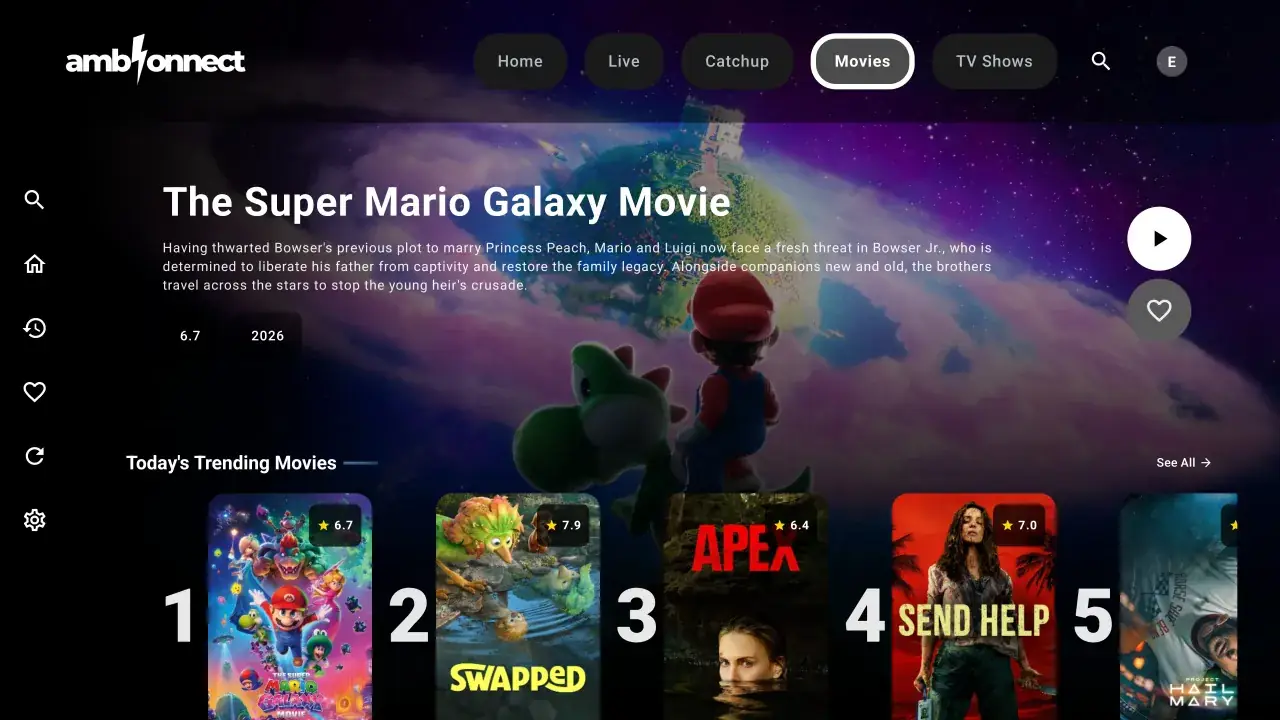
Live TV
20000+ Live Channels.
UK entertainment, sports, news, and international feeds — ready to stream.
IPTV for Firestick UK
Why Fire Stick works so well for IPTV
Every Fire Stick generation — from the basic stick to the 4K Max and Fire TV Cube — runs IPTV apps smoothly, and Fire TV Edition televisions work the same way. The 4K Max adds faster Wi‑Fi and supports Ethernet via an adapter, which gives the most consistent playback for live sports and 4K channels.
IPTV for Firestick UK
Installing AmbKonnect on your Fire Stick
Use the free Downloader app from the Amazon Appstore. Pick one dedicated player — AmbKonnect Player (new), Smart App, or Q App. They all sign in with username and password only. Full walkthrough: Fire TV setup guide.
1. Install Downloader
Get Downloader from the Amazon Appstore. Enable Apps from Unknown Sources for Downloader under Settings → My Fire TV → Developer Options.
2. Enter a Downloader code
AmbKonnect Player: 2897101 · Smart App: 9726220 · Q App: 9584610. Or open the matching aftv.news short link from the Fire TV guide.
3. Sign in and watch
Open the app and sign in with the username and password from your welcome email — no server URL or M3U file.
IPTV for Firestick UK
Signing in
AmbKonnect's dedicated players use just your username and password — the same credentials emailed to you after checkout and shown in your account's product details. M3U playlist files are not used. After signing in, give the app a few seconds to load channels and the on-demand library.
IPTV for Firestick UK
Troubleshooting on Fire Stick
Most Fire Stick issues have quick fixes: if the APK will not install, re-check that Unknown Sources is enabled for Downloader; if channels stutter, restart the stick and router and keep at least 1 GB of storage free; and pin the player app to your home screen for quick access. For persistent stutter, our buffering troubleshooting guide walks through the seven most effective fixes, and our comparison of IPTV apps for Fire Stick is worth a read if you prefer a third-party player.
IPTV for Firestick UK
Internet speed recommendations
As a general guide, a stable 25 Mbps connection suits HD streams and 50 Mbps or more suits 4K — though real-world performance depends on your broadband and home network. On Fire Stick, 5 GHz Wi‑Fi outperforms 2.4 GHz, and an Ethernet adapter on the 4K Max gives the steadiest results on match days. Want to verify performance on your own connection first? Start with the free 24-hour trial, or read the general IPTV UK overview for the full picture.
Got Questions?
Frequently Asked Questions
Everything you need to know before getting started.
All of them — Fire Stick Lite, standard, 4K, 4K Max, Fire TV Cube, and Fire TV Edition televisions. Newer models handle 4K streams better, but every generation runs the player apps.
Get set up on your Fire Stick today
Order a plan or start a free trial — either way you'll be streaming on your Fire Stick in about ten minutes.
Explore More